
Effective collaboration drives innovation, reduces miscommunication, and accelerates results in any business. CLASS5uc delivers a unified set of presence, messaging, directory, and file-sharing tools in one secure, cloud-based platform—fully managed by the CLASS5 team and hosted on AWS.
This eliminates the need for multiple disconnected apps, solving common pain points such as delayed responses, scattered contact information, version control issues, and remote team isolation. With real-time visibility and seamless sharing, CLASS5uc helps owners, office managers, IT staff, and decision-makers keep teams aligned, cut down on email overload, and improve project velocity—scalable for organizations of every size.
Here are the powerful collaboration tools built into CLASS5uc:
Presence Management
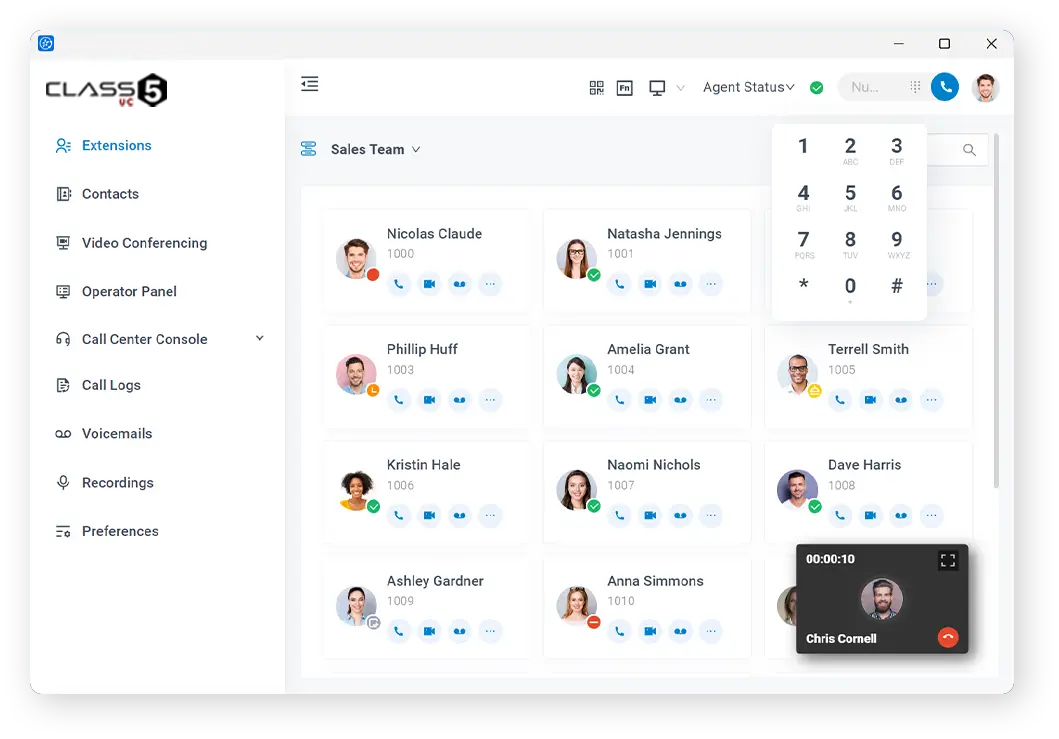
Show team availability instantly so colleagues know when someone is free, busy, or in a call.
- Real-time presence indicators (available, busy, in a meeting, do not disturb)
- Custom status messages and descriptions
- Cross-device sync (desktop, mobile, web)
- Integration with calendar and call status
This removes guesswork when reaching out, prevents unnecessary interruptions, and speeds up internal coordination—especially valuable for distributed or hybrid teams.

Internal Messaging
Centralize team conversations in a fast, secure chat environment.
- 1:1 and group chats with threaded replies
- Push notifications and cross-device synchronization
- Message reactions, file attachments, and @mentions
- Searchable chat history and pinned messages
Internal messaging reduces email clutter, accelerates decision-making, and keeps important discussions in one place—ideal for office managers organizing daily tasks and IT staff troubleshooting together.
Contacts and Phonebooks
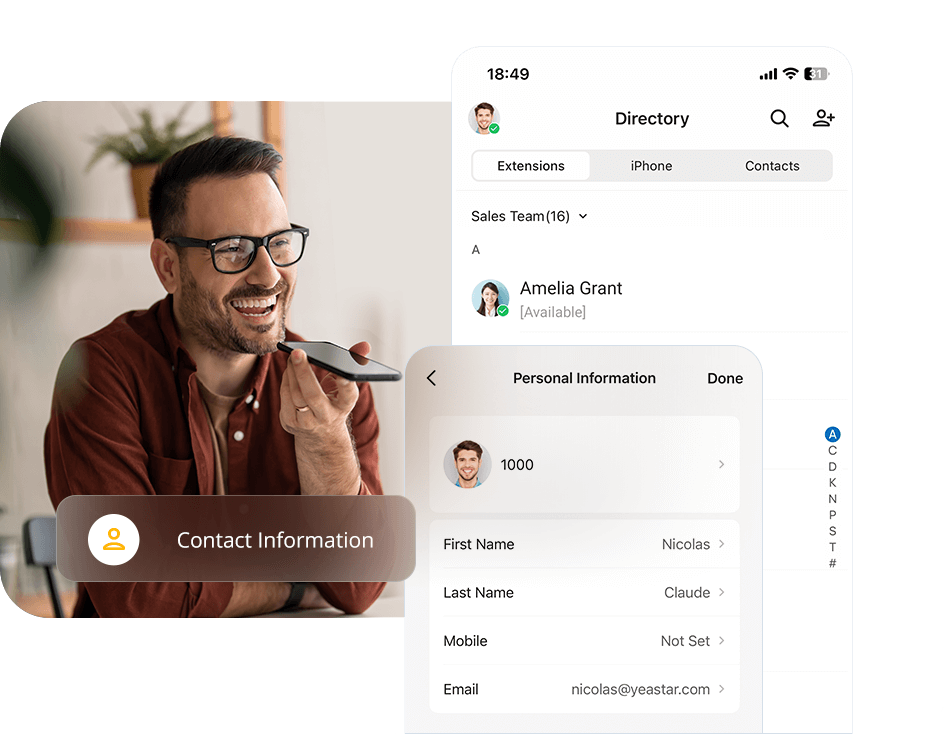
Maintain a single, always-up-to-date source of truth for all company contacts.
- Unified personal and shared phonebooks
- PBX-native management with extensions and mobile numbers
- CRM synchronization and auto-matching
- Import/export capabilities and search filters
This eliminates scattered contact lists, enables quick dialing or messaging, and ensures accurate information across the organization—streamlining workflows for decision-makers and support teams.
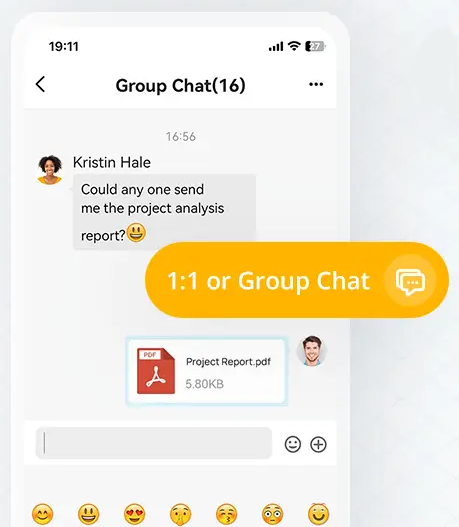
File Sharing
Share documents, images, and files directly within chats without leaving the platform.
- Drag-and-drop file upload in conversations
- Preview support for common file types
- Version tracking and download options
- Secure, encrypted transfer
File sharing resolves version confusion and external tool dependency, allowing teams to collaborate faster and more securely—perfect for project updates, proposals, and quick reviews.
Documentation Tools
Capture and organize key information for compliance, knowledge sharing, and follow-up.
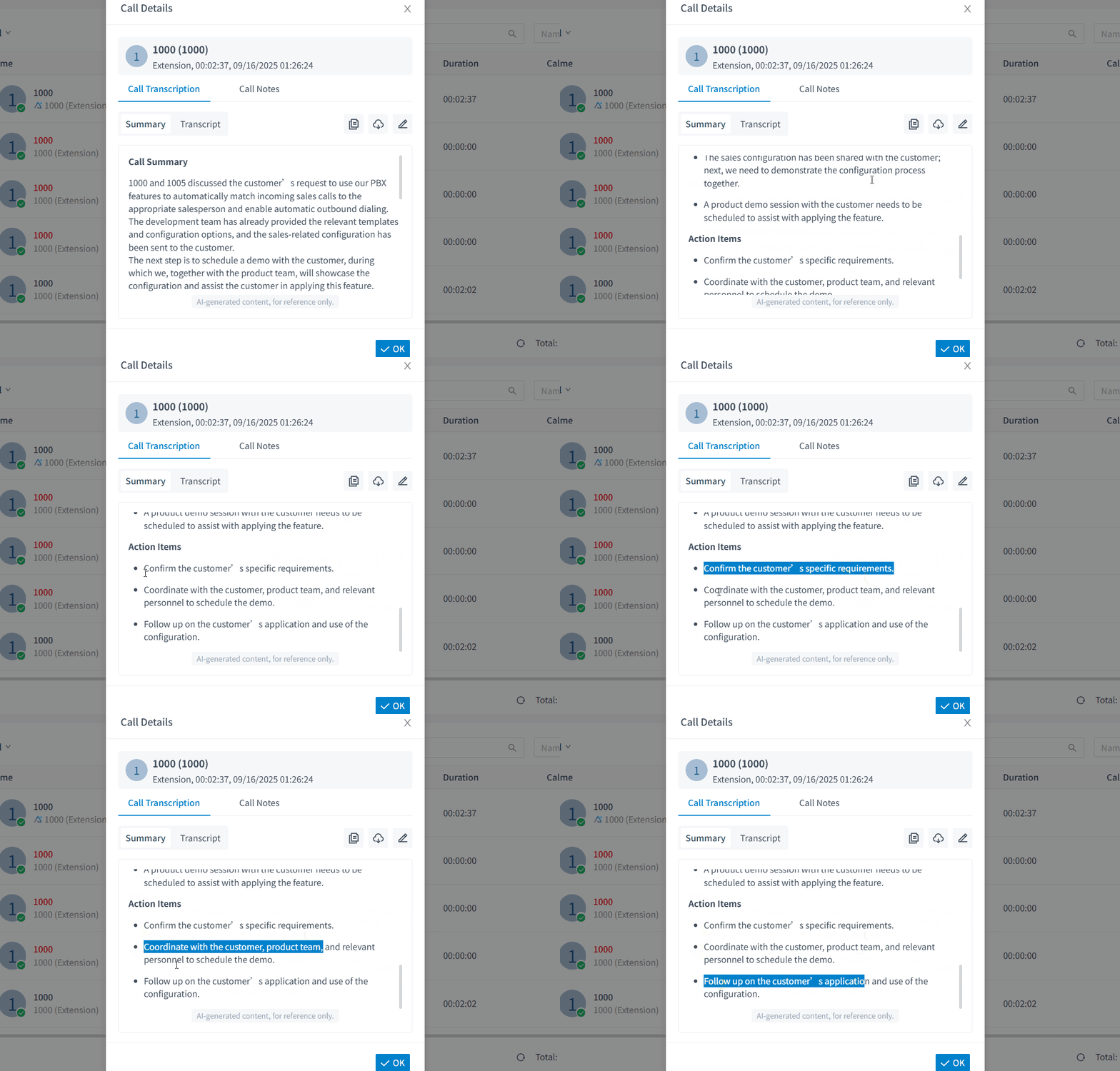
- Integrated call notes and custom remarks
- Shared phonebooks and contact annotations
- Voicemail transcription summaries linked to chats
- Exportable records for audits or training
These tools solve lost information in fast-moving teams, support compliance requirements, and make onboarding or audits easier—providing peace of mind for IT staff and business owners.